 Trawpie
On a phone, Trawpie shows a list you scroll up and down, never sideways: one week, one person, their categories and tasks. Five tabs along the bottom take you everywhere else.
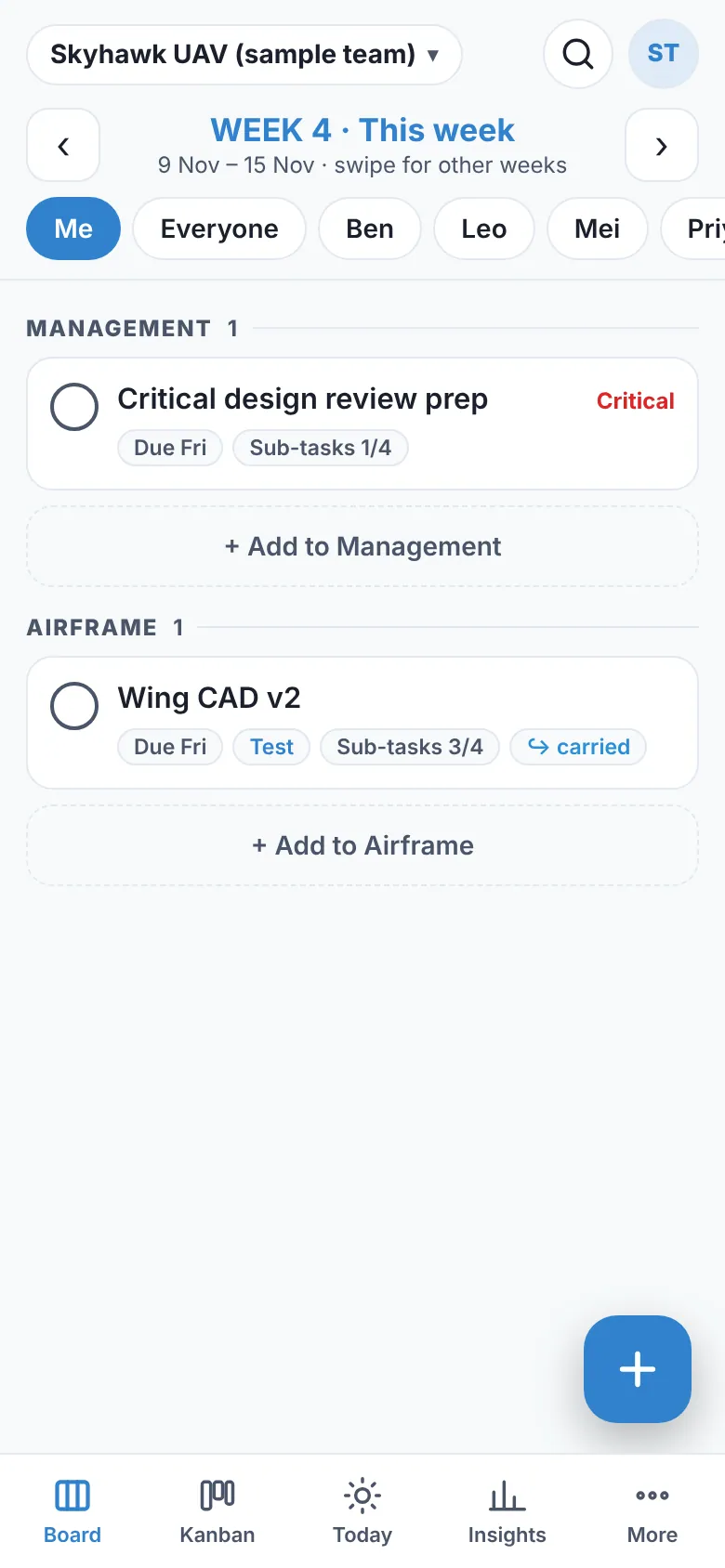
The board
- The week: ‹ and › at the top, or swipe left and right, move between weeks. It opens on this week.
- Whose tasks: Me, Everyone, or one person, from the chips under the week.
- Tick the circle to finish a task, and again to reopen it. If its stage needs a sign-off, Trawpie says so instead.
- Tap a task to open it: the editor slides up from the bottom. Swipe it down or tap ✕ to close.
- + Add to … under a category, or the round + button, adds a task to the week you’re looking at.
The tabs
| Tab | What it shows |
|---|---|
| Board | One week, one person (or everyone), grouped by category. |
| Kanban | One stage at a time. Tabs along the top switch stage, or swipe; each card has buttons to move it back or on. |
| Today | Your late tasks, what’s due today and the rest of this week in this workspace, and what you finished today. |
| Insights | The analytics: progress, workload and deadlines. |
| More | Overview, Gantt, List and Workload; tools, activity, approvals; invite, share, settings; theme and your account. |
Example
Jo is at the lab bench. Jo opens the board, ticks “Calibrate the sensor”, swipes to next week to check what’s coming, then taps Today to see the one task that’s late.
The full board, if you want it
More ▸ Full board, as on a computer shows the whole people × weeks board on your phone. Trawpie remembers the choice on that phone; tap 📱 Phone view to go back.
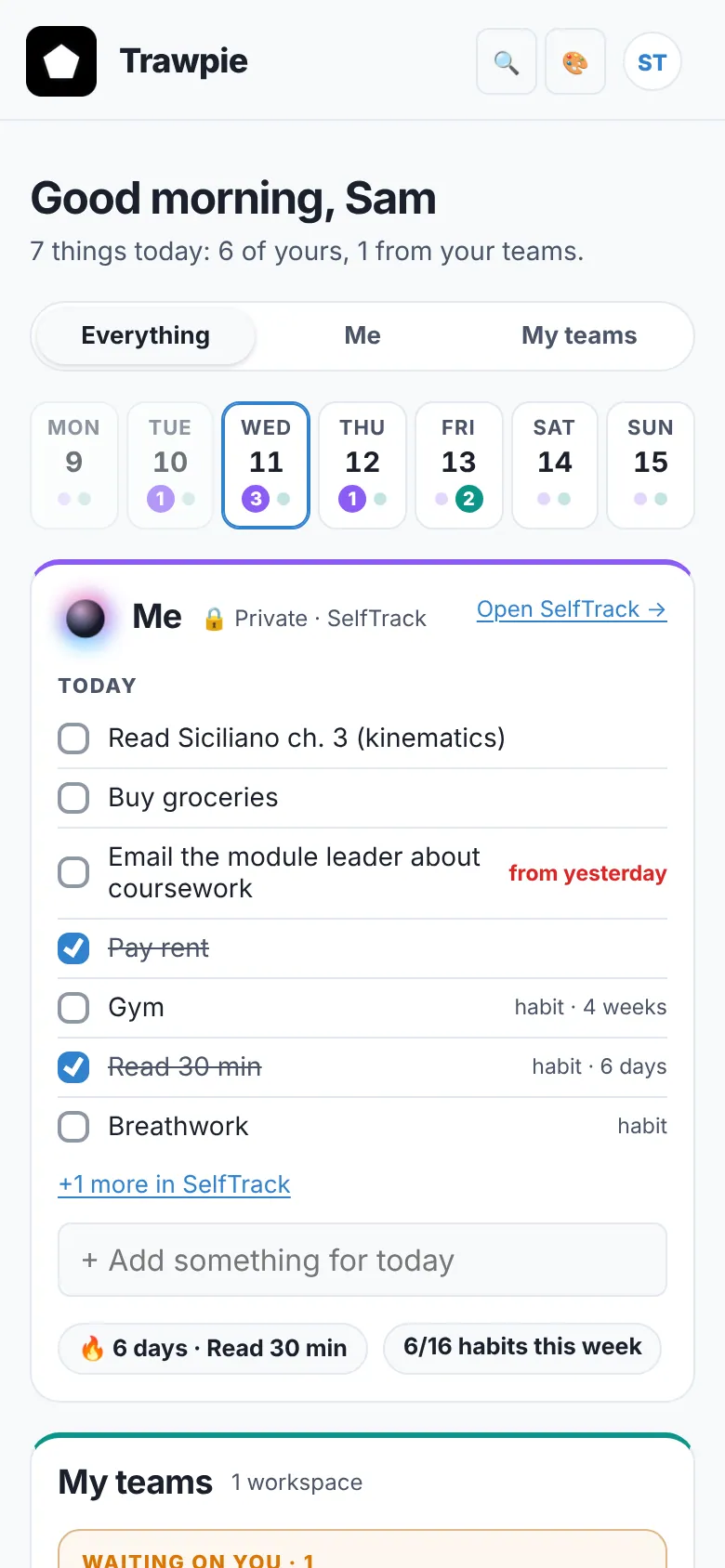
Install Trawpie on your home screen so it opens full screen like an app: see Install Trawpie.