 Trawpie
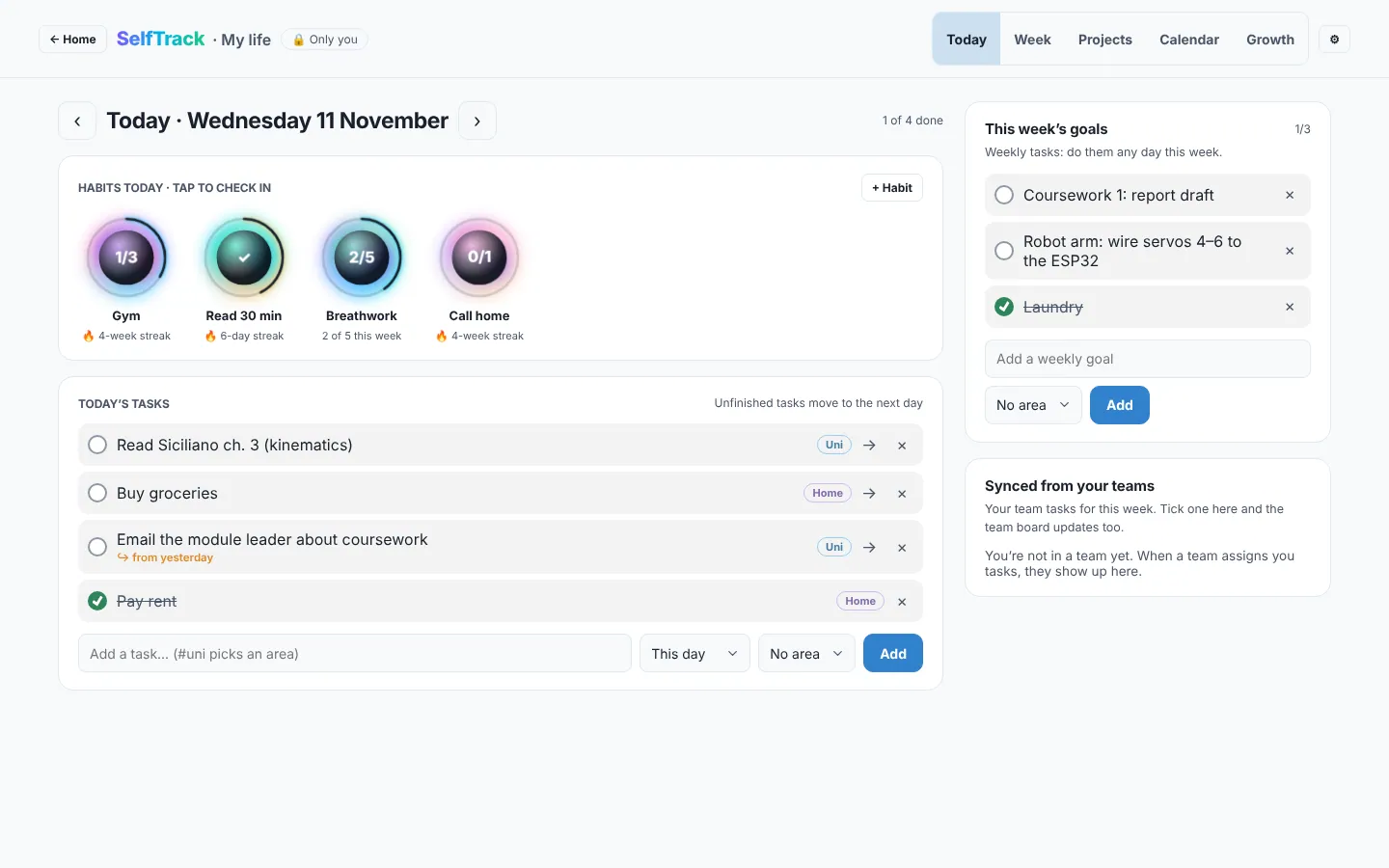
SelfTrack is the part of Trawpie that’s only yours. Open it from Open SelfTrack on the home page. Nobody else can see it, not even your teams.
What it holds
Today and this weekTasks for a day, and goals for the week. Unfinished ones roll forward.
ProjectsPersonal projects with tasks, sub-tasks, due dates, notes and progress.
HabitsDaily or a few times a week, with streaks.
SkillsMinutes practised, levels and milestones.
CalendarA month view of your own tasks and your team deadlines.
ReflectA short weekly note: what went well, what was hard.
Team tasks come to you
Tasks you own or help with in your teams, that are due this week or sit in a team’s current week, show in SelfTrack too. Tick them there and they’re done on the team board. You can turn off any team you don’t want pulled in.
Example
Alex has a personal project “Learn Python” with five tasks, a daily habit “Read 20 minutes” on a 9-day streak, and two tasks from the Robotics team due Friday. All of it shows on Alex’s Today.
SelfTrack items are stored against your account only. The security rules let nobody else read them, and they’re included when you download your data.